
Tylina / 文档 01
写作,从排版后的页面开始
文字、公式与图表属于同一份真实的 Typst 文档。你面对的是排版后的页面,而不是一排工具面板。
在这里直接选择 需要修改的文字,格式与源码始终保持一致。
E = mc²
需要更深的控制时,源码会在当前内容附近出现。
Tylina 0.15.2 · 开发预览版Tylina 0.15.2 · Development preview
直接在排版后的页面上点击、输入、选择与修改,无需在源码与预览之间来回切换;需要时,完整 Typst 源码仍触手可及。 Click, type, select, and revise directly on the typeset page—without switching back and forth between source and preview. Full Typst source remains within reach whenever you need it.
无需安装 · 在浏览器里写作No install. Write in your browser.
macOS · Windows · Linux
无需账号,同一份 Typst 文档。No account. The same Typst documents. 观看编辑演示Watch the editing demo
Tylina / 文档 01
文字、公式与图表属于同一份真实的 Typst 文档。你面对的是排版后的页面,而不是一排工具面板。
在这里直接选择 需要修改的文字,格式与源码始终保持一致。
需要更深的控制时,源码会在当前内容附近出现。
Tylina / Document 01
Text, formulas, and figures live in one real Typst document. Work on the typeset page, not a row of editing panels.
Select text to change here. Formatting and source stay in sync.
For finer control, open the source beside the current content.
所见即所得WYSIWYG, backed by Typst
平常写作留在 Document,需要结构与语法时打开 Source Lens 或 Split。三个界面编辑的是同一份源码。Stay in Document for everyday writing. Open Source Lens or Split when structure and syntax matter. All three edit the same source.
TYLINA / DOCUMENT
Good tools keep the idea in view while you write. The page stays calm; the source stays complete.
The page is the interface.
直接编辑排版页面;方向键、选区、复制粘贴与 IME 都围绕可见内容工作。Edit the typeset page directly; navigation, selection, clipboard, and IME follow visible content.
双击复杂内容,在当前位置打开一小块真实源码;编译成功才确认修改。Double-click complex content to open its real source in place; edits commit only after a successful compile.
需要完整语言能力时进入双栏,源码与页面仍共享光标、选区和历史。Move to Split for the full language surface while source and page keep one caret, selection, and history.
AI 原生AI native
Web 版可填写自己的 API Key 连接 DeepSeek 等模型,用共享的文档工具与 Skills 完成修改、编译和检查。桌面版还可通过 ACP 连接 Codex、Claude Code、Kimi Code、OpenCode 或自定义 Agent。In the Web editor, connect a model such as DeepSeek with your API key and use shared document tools and Skills to edit, compile, and check your work. On desktop, connect Codex, Claude Code, Kimi Code, OpenCode, or a custom agent through ACP.
Slides generation & editing
快速生成或完整策划一套 Slides,再像 PowerPoint 一样浏览缩略图、调整顺序、编辑单页与演讲者备注。Generate a quick draft or plan a complete deck, then browse thumbnails, reorder slides, edit pages, and manage speaker notes in a PowerPoint-like workspace.
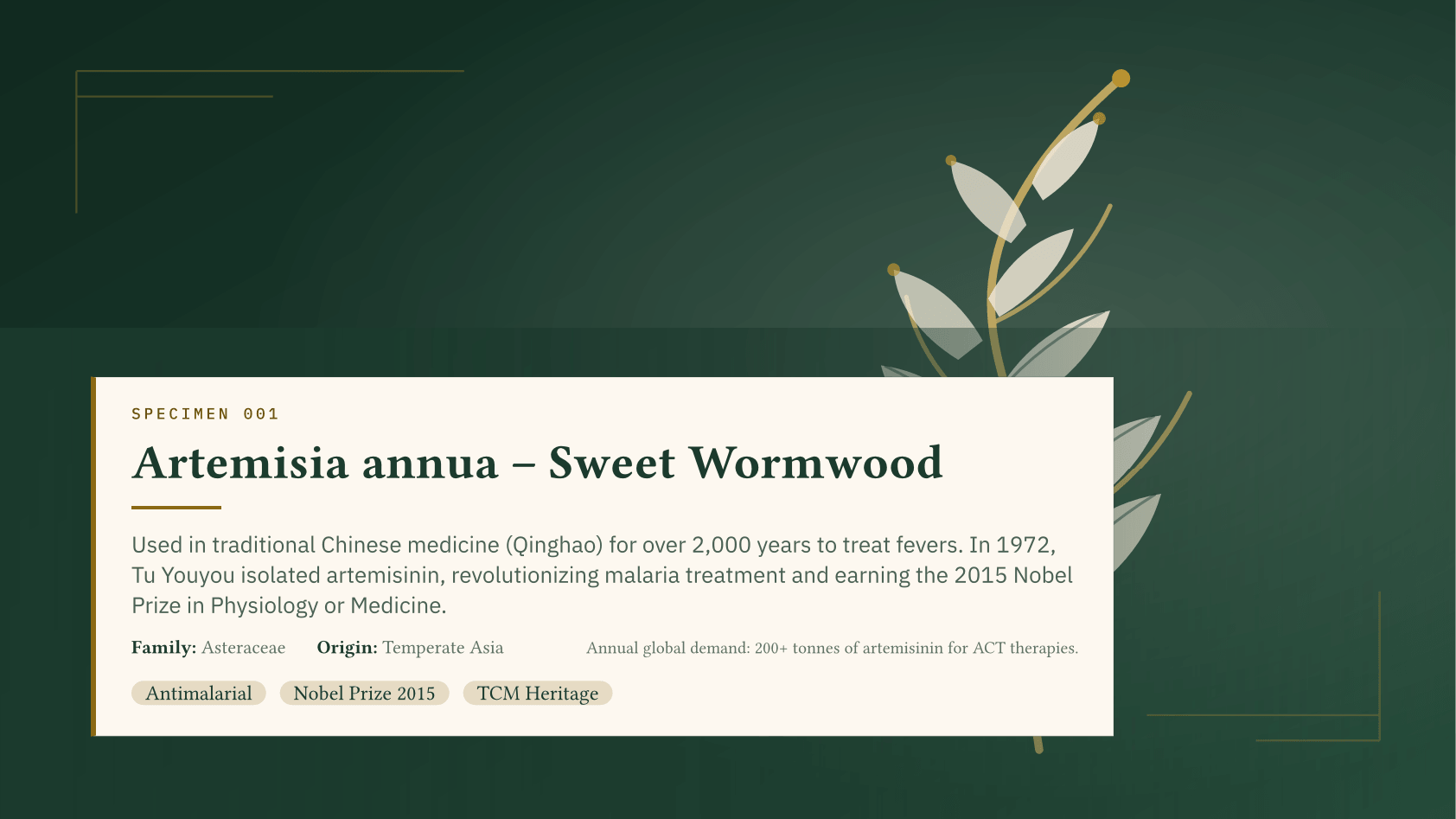
先解释这页为什么重要,再指出听众接下来应该关注的数字。Explain why this page matters, then direct attention to the number the audience should carry forward.
不只是论文Beyond papers
模板负责起点,Tylina 负责把它变成可以直接编辑、继续创作和交付的真实项目。Templates provide the starting point. Tylina turns them into real projects you can edit, extend, and deliver.
CV / Résumé
直接修改排版后的履历,保留真实的结构、链接与可解析文本;需要时再进入源码微调。Edit the typeset résumé while preserving structure, links, and extractable text; open source only for fine control.
basic-resume 0.2.9 · Unlicense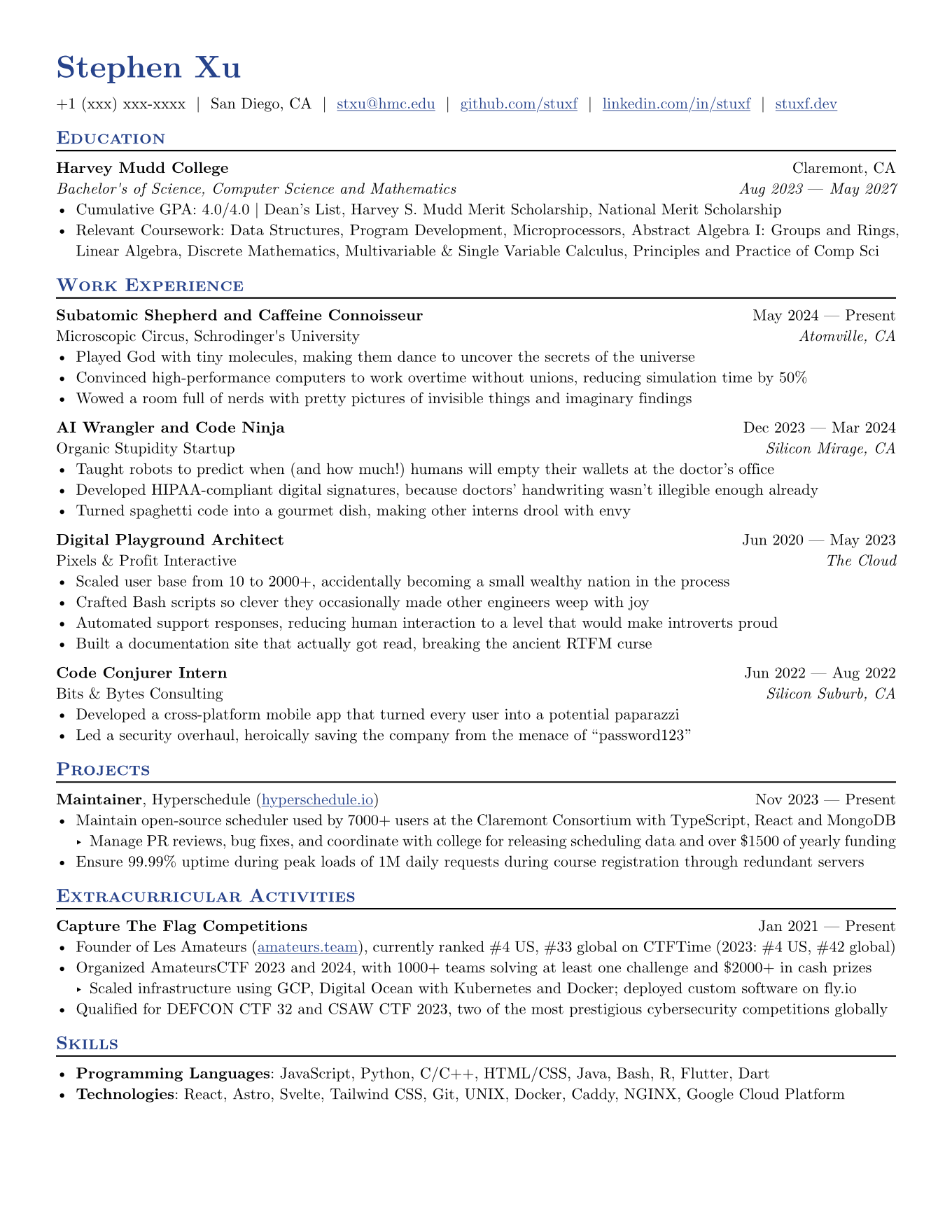
Poster
在真实画布上编辑标题、图表和结论,随时用 AI 检查信息层级与版面溢出。Edit titles, charts, and conclusions on the real canvas, with AI checks for hierarchy and overflow.
Pollux · MIT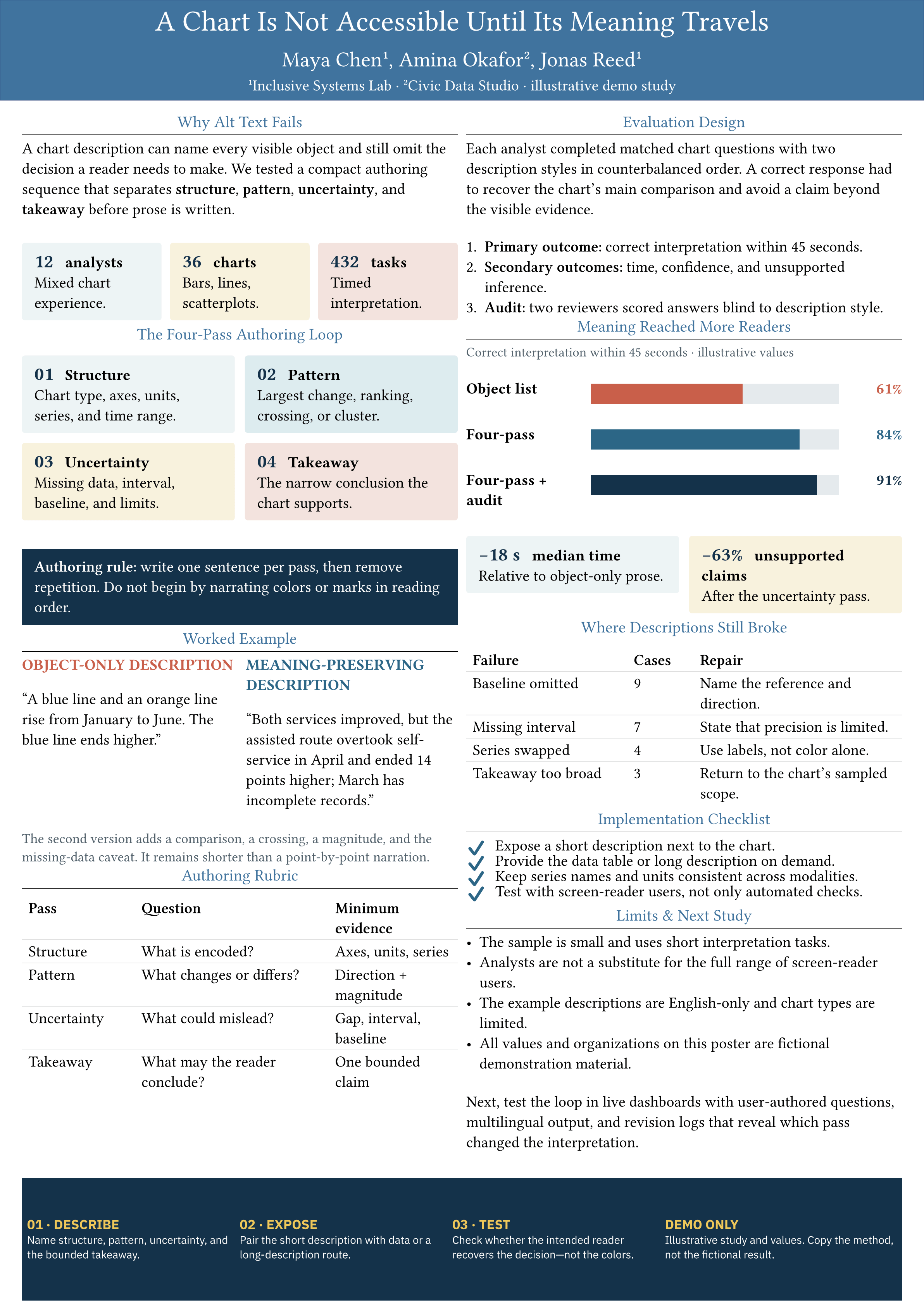
Social cover
从竖版封面到方形轮播,用 Typst 的可复用组件保持内容、网格与品牌语言一致。From portrait covers to square carousels, reusable Typst components keep content and grid systems consistent.
SeaSlides scenario templates · MIT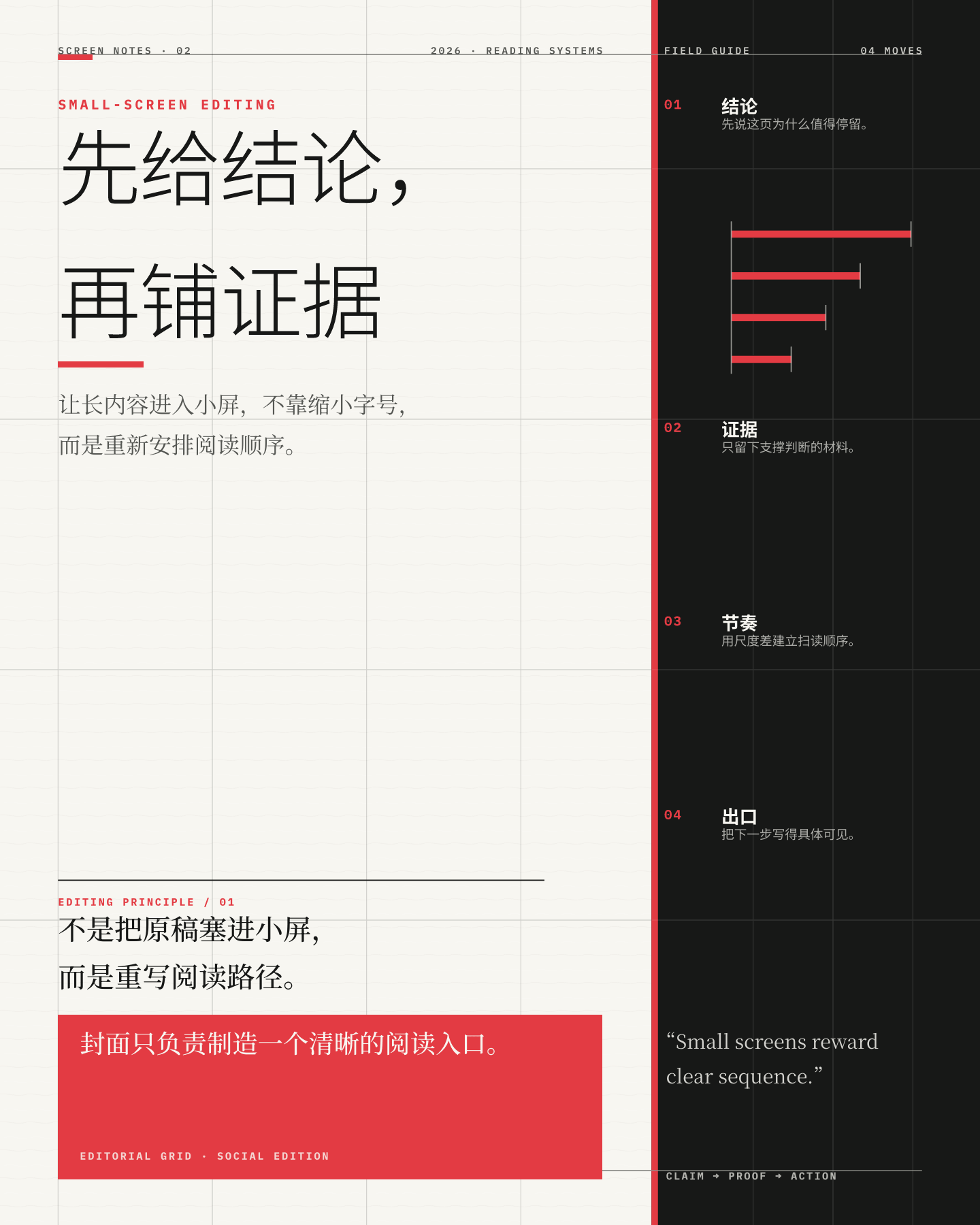
Chart
在同一项目里维护数据和图表源码;AI 可以更新数值,Tylina 负责立即编译并展示结果。Keep data and chart source in one project. AI can update values while Tylina compiles and shows the result.
lilaq · MIT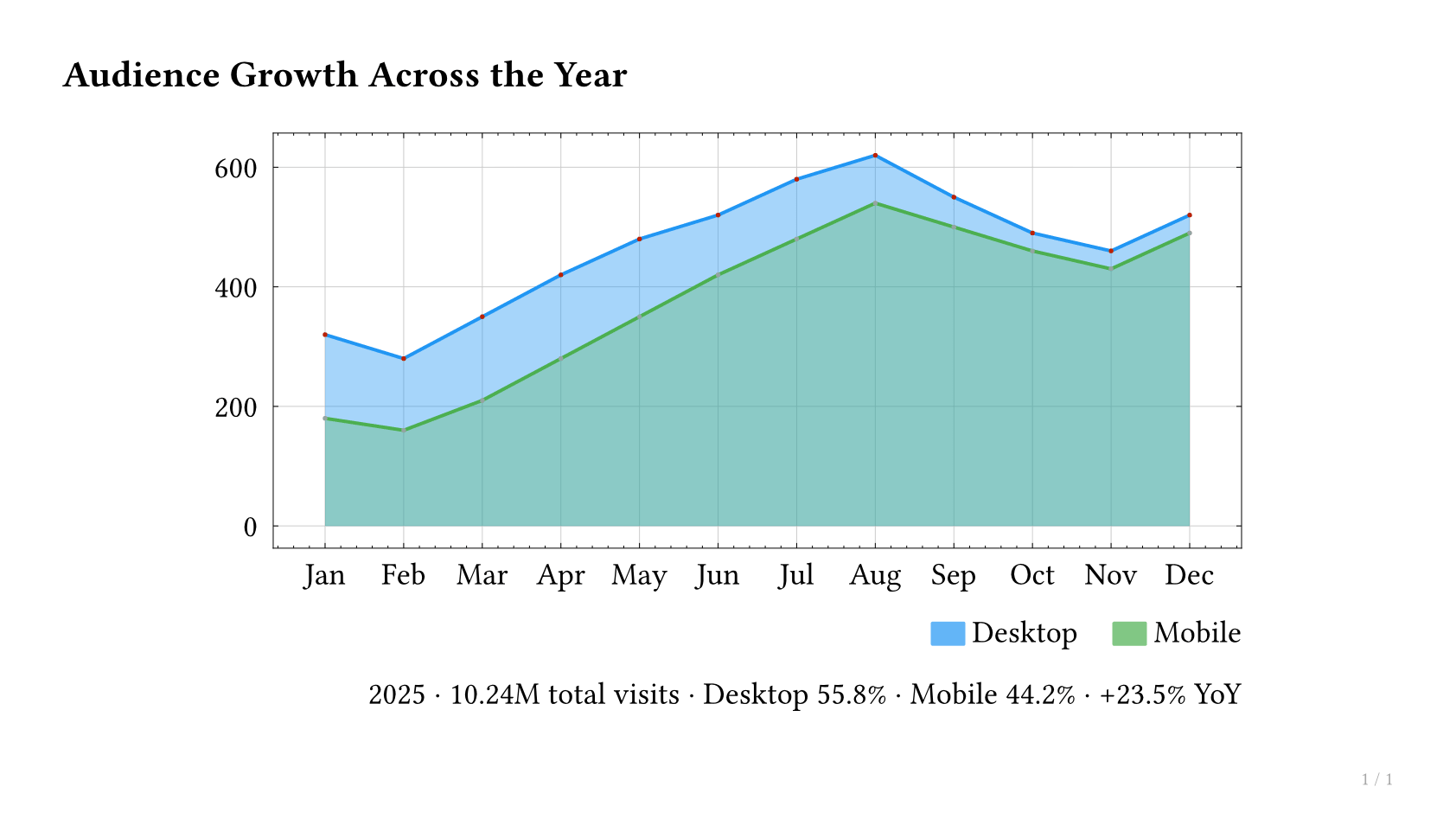
Note
先在页面里整理观点和公式,再扩展为章节、参考文献与完整文档,不需要换一种工具。Start with ideas and formulas, then grow them into sections, references, and a complete document without changing tools.
bananote 0.1.2 · MIT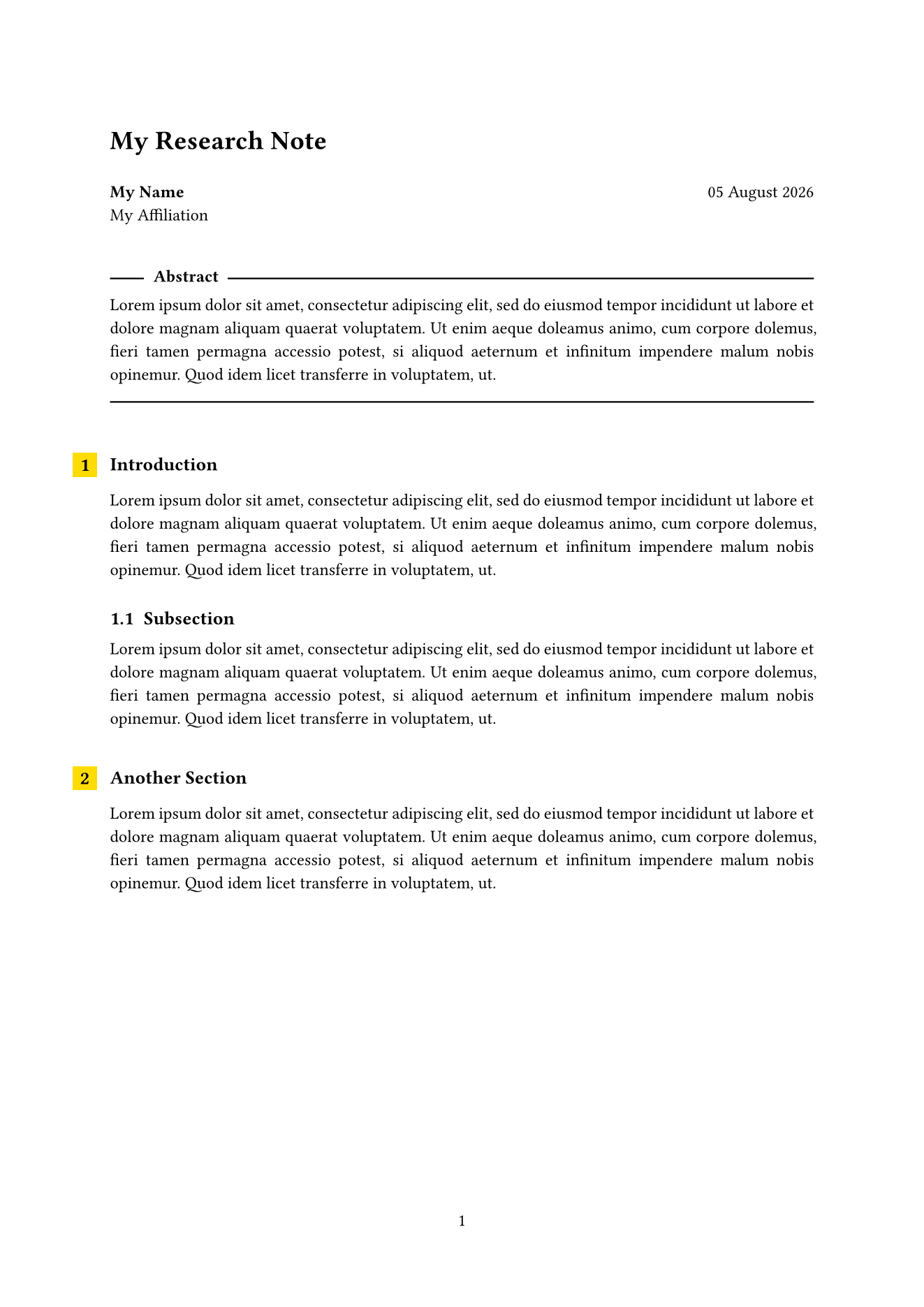
Paper
用 Document 保持写作节奏,用 Split 处理复杂语法,再让 Agent 检查结构、编译与影响页面。Keep momentum in Document, handle complex syntax in Split, and let an agent check structure, compilation, and affected pages.
accelerated-jacow 0.14.1 · MIT-0 template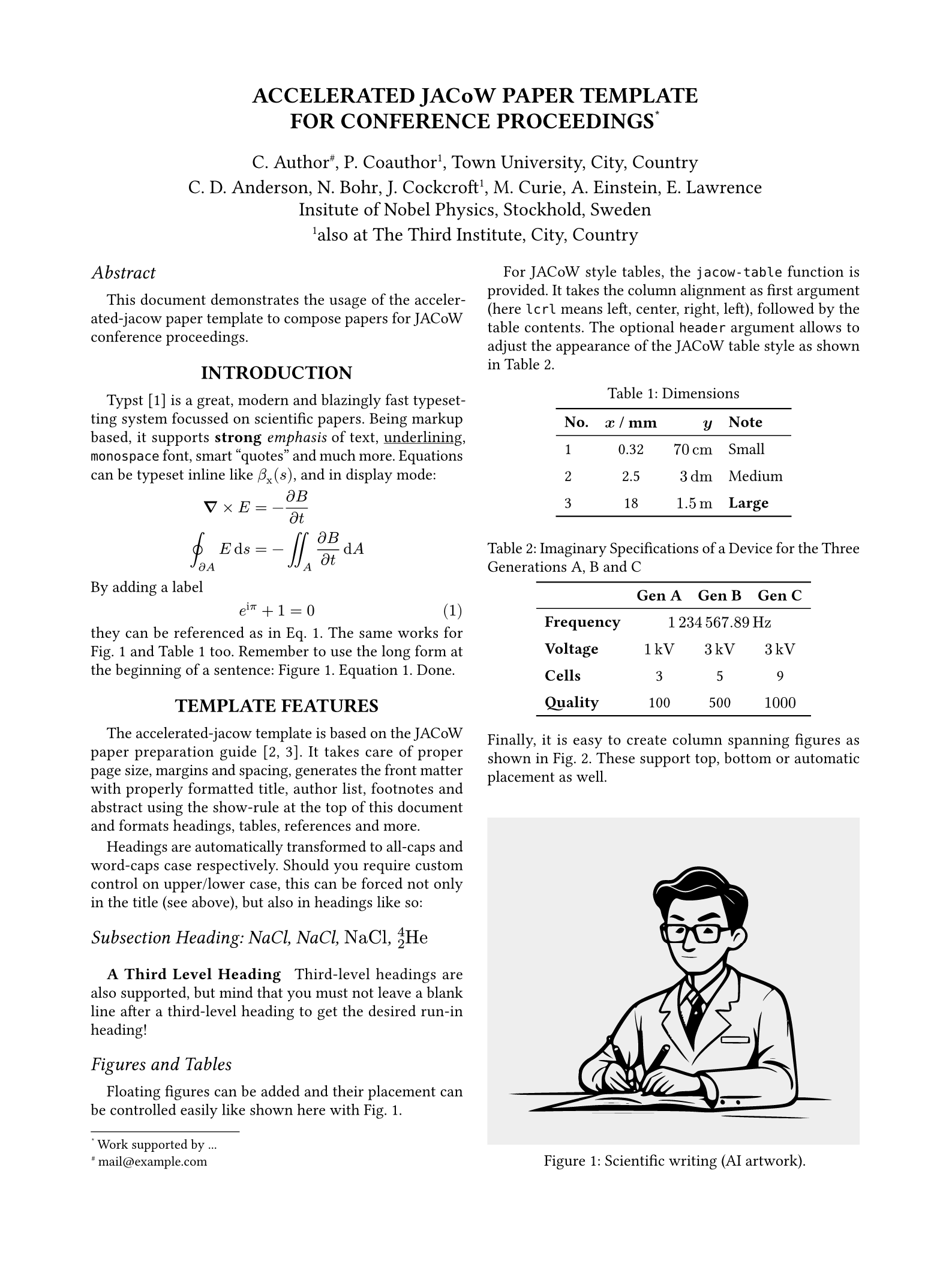
Report
让 AI 补充内容或更新数字,同时保留本地历史、视觉差异与可恢复的真实源文件。Let AI extend content or refresh numbers while keeping local history, visual diffs, and recoverable source files.
breezy-report 0.1.0 · MIT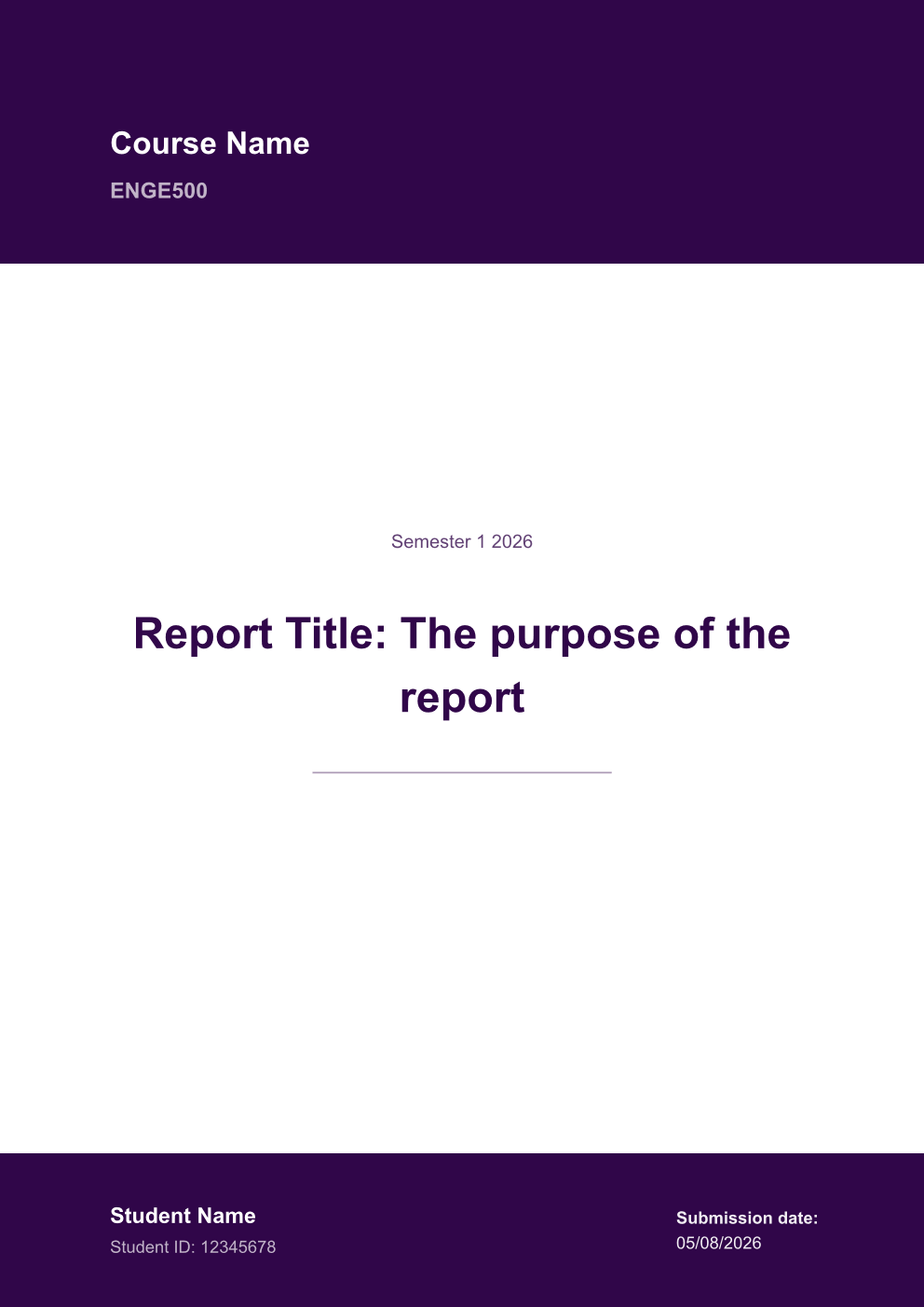
Book
章节、目录、页眉和版式来自可复用模板;写作者面对的仍是连续、安静的阅读与编辑体验。Chapters, contents, running heads, and layout come from a reusable template while writing remains quiet and continuous.
min-book 1.5.0 · MIT-0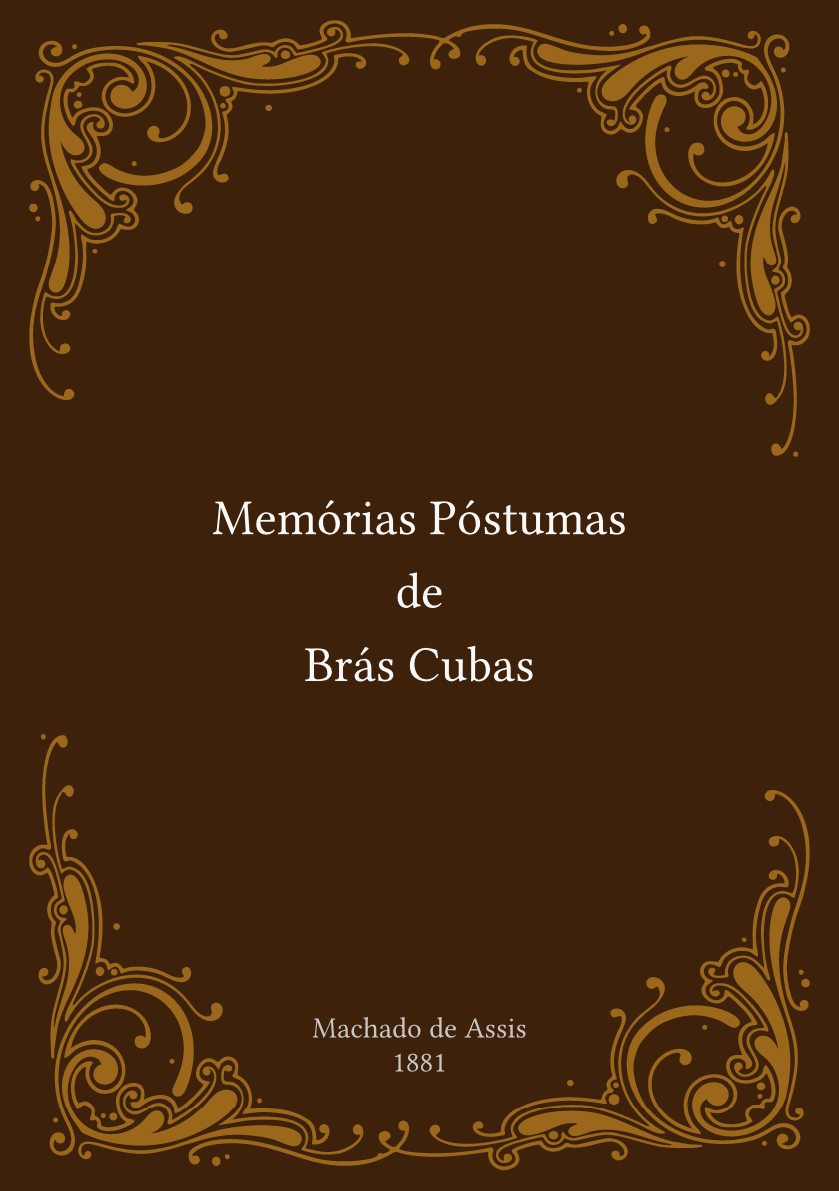
感谢开放生态Built with an open ecosystem
本页展示的第三方模板与包仍归各自作者所有。许可证、署名、再分发和商标条款均遵循对应的上游项目;Tylina 不会重新许可第三方作品。Third-party templates and packages shown here remain the work of their authors. License, attribution, redistribution, and trademark terms follow each upstream project; Tylina does not relicense third-party work.
本地优先Local first
无需注册账号,也不会把文档上传到 Tylina 服务。No account is required, and documents are not uploaded to a Tylina service.
Web 版在浏览器中编辑、编译和保存;桌面版直接管理本机文件。启用 AI 或 GitHub 同步时,才按你的配置连接相应服务。The web editor edits, compiles, and saves in your browser; the desktop app works with files on your computer. AI and GitHub sync connect to the services you choose when enabled.
Typst 源码始终可以被其他编辑器、编译器与版本控制工具继续使用。Typst source remains usable by other editors, compilers, and version-control tools.
Tylina 0.15.2
在浏览器中立即开始,或下载适用于 macOS、Windows 与 Linux 的桌面应用。Start in your browser, or get the desktop app for macOS, Windows, and Linux.